Getting started with Firebase in Swift
These simple steps will be your guide to integrating firebase into your swift app.
Installation of Firebase
-
Go to https://firebase.google.com/docs/ios/installation-methods
-
If migrating from a CocoaPods-based project, run pod de-integrate to remove CocoaPods from your Xcode project. The CocoaPods-generated .xcworkspace file can safely be deleted afterward.
If you're adding Firebase to a project for the first time, this step can be ignored.
-
-
Click on project name in Xcode
-
Click on Package Dependencies
-
Paste git url and select the appropriate repository
-
Select project. And note down the version of firebase
Note: The SPM may take a while to verify the repository
-
Check the needed/appropriate boxes
For this app (chat clone app), the following boxes were selected -> FireBaseAuth, FireBaseStorage and FireBaseFirestore.
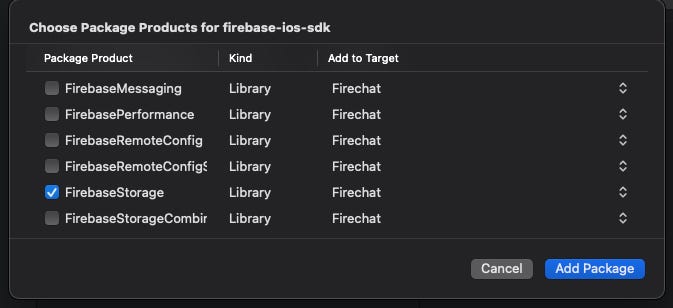
- Select add package, the following must be loading and adding to your project
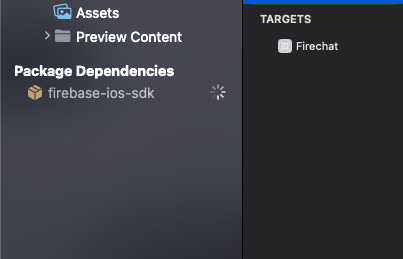
Using Firebase in project
-
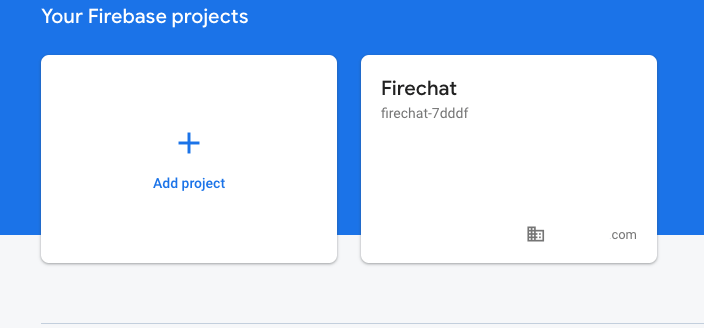
First create your project in firebase console at console.firebase.google.com
Firechat is the name of this app demo.
-
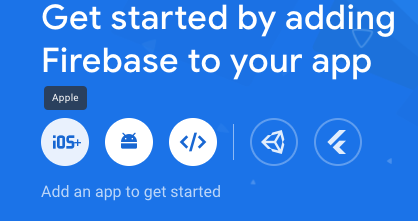
Select iOS on the dashboard
-
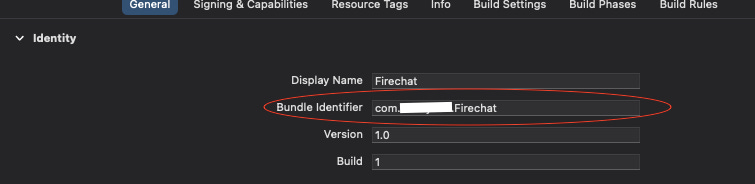
Copy the bundle ID of your project (in Xcode)
-
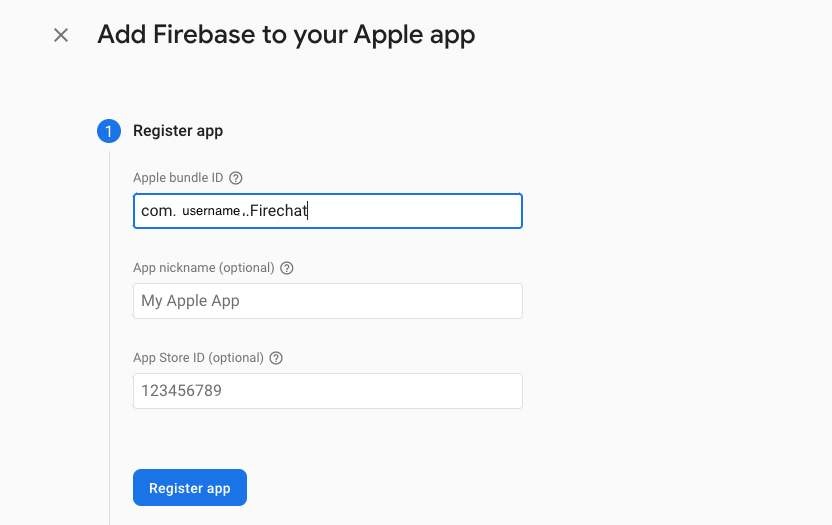
Paste the bundle ID in here
-
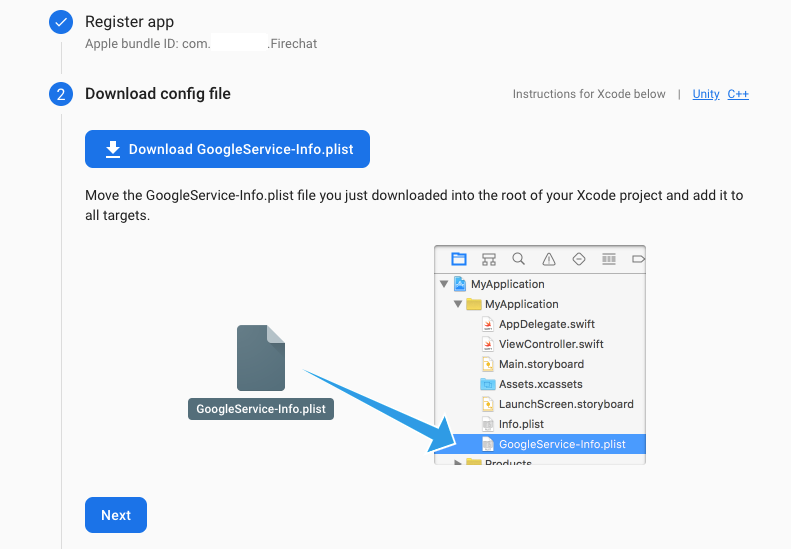
Download the config file
-
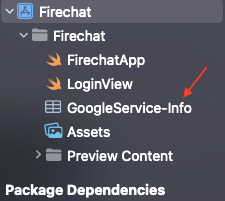
Drag the file into the project as shown below
-
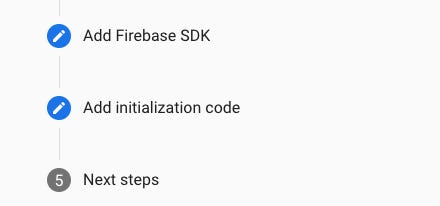
Step 3 can be ignored as we have already added Firebase through SPM
-
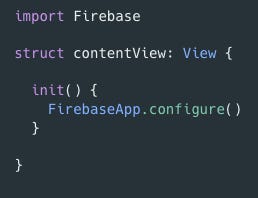
To initialise the firebase SDK inside the project -> create an init() function
Using Firebase Authentication
-
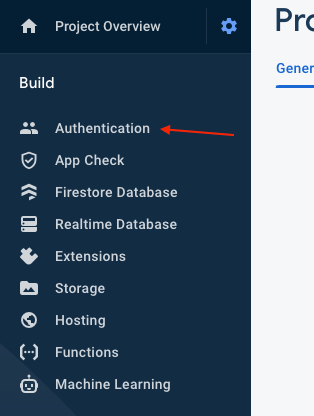
Select authentication from build and click on Get Started
-
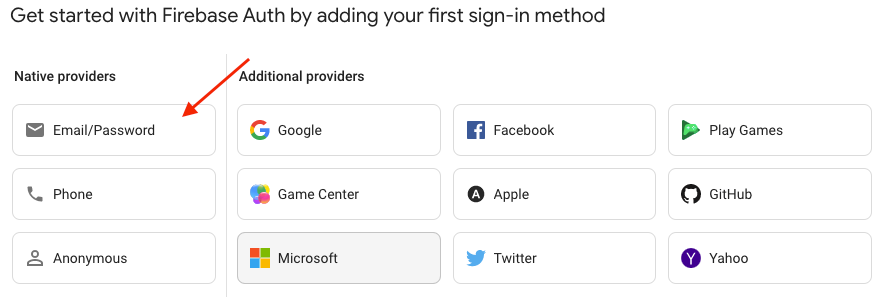
Select the type of how you want the user to be authenticated. In the case of this app demo we will be using email/passwords.
-
Click enable for Email/Password
-
Initialise authentication in your app
import Firebase

class FirebaseManager: NSObject {
    let auth: Auth
    static let shared = FirebaseManager()
    override init() {
        FirebaseApp.configure()
        self.auth = Auth.auth()
        super.init()
    }
}
Writing the above singleton object, allows us to configure and initialise the firebase sdk once. Initialising the firebase more than one time can result in the app crashing, especially when using previews in Xcode.
Also, now we can use authentication throughout our app through this firebase manager class.
For example, to create user we can simply write the following code:
FirebaseManager.shared.auth.createUser(withEmail: emailAddress, password: password)The manager class can contain other configurations of firebase such as firestore.
Note: we can also install Firestore in a better way.
Installing firestorm through the SPM makes the project take longer to compile compared to installing the package itself from GitHub which is a precompiled version: https://github.com/invertase/firestore-ios-sdk-frameworks