Getting started with Unit Testing in SwiftUI
What it is?
The process of testing if the codes written are meeting expectations in one’s applications.
This is done to help test classes and functions faster with all possible scenarios.
Process is:
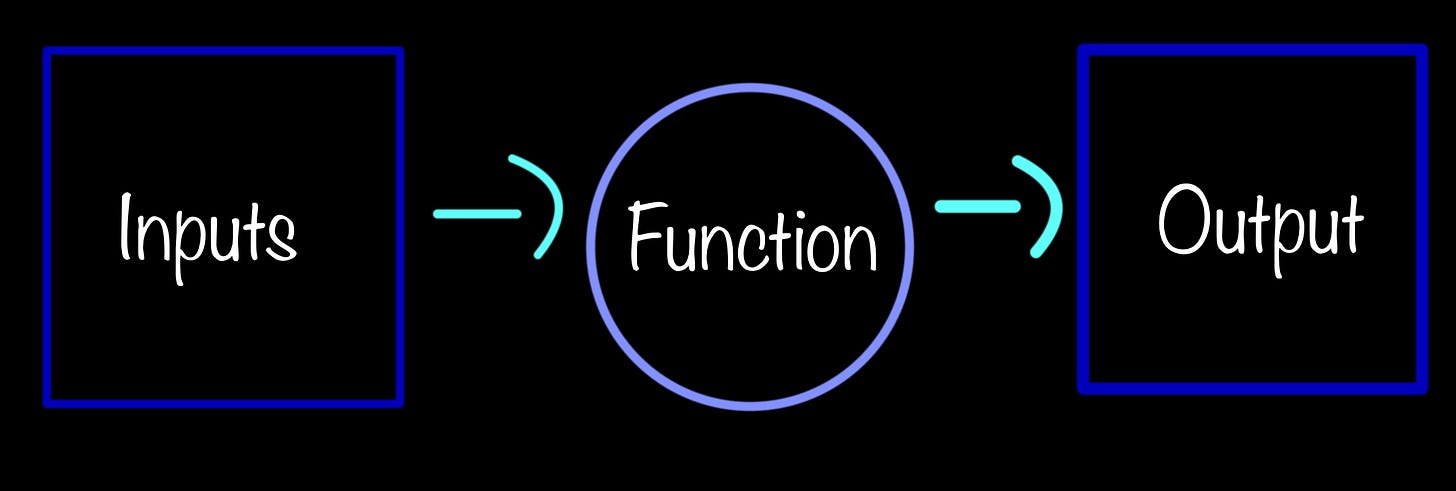
Provide some sample inputs to a function and their expected output.
How to write test cases?
-
Go to file → new → Target
-
Search test
-
Choose UI Testing Bundle
import XCTest
@testable import UnitTest

class UnitTestTests: XCTestCase {

   func testAdditions() {

      let operations = MathOperations()

      let result = operations.addNumbers(x: 1, y: 2)

	XCTAssertEqual(result, 3)

      }// testAdditions

   func testMultiplications() {

     let operations = MathOperations()

     let result = operations.multiplyNumbers(x: 2, y: 2)

     XCTAssertEqual(result, 4)

   }// testMultiplications

   func testDivisions() {

     let operations = MathOperations()

     let result = operations.divideNumbers(x: 10, y: 2)

     XCTAssertEqual(result, 5)

   }// testMultiplications

}
The @testable line is basically importing our main folder where our app resides, so that we are able to test anything even those declared as private. This means, we can import any of our custom folders and files.
"XCTAssertEqual" makes sure the two arguments "result" and "3" are equal
The arguments passed are called expressions. So basically, we want the two expressions to be equal.
"XCTAssertEqual" can only be used when the class conform to the "XCTestCase" protocol imported from "XCTest"
Similarly we can test the following among others:
If an expression is true -> XCTAssertTrue(expression: Bool)
If an expression is false -> XCTAssertFalse(expression: Bool)
If an expression is nil -> XCTAssertNil(expression: Any)
If the first expression is less than the second expression -> XCTAssertLessThan(expression1: Comparable,expression2: Comparable)
Testing in an app
Consider the following partial code of a simple app
struct LoginView: View {
	@State var email: String = ""
	@State var password: String = ""
	let isLoginSuccessful = FormValidation()

    var body: some View {
       VStack {
	TextField("Email address: ", text: $email)
            .keyboardType(.emailAddress)
	SecureField("Password: ", text: $password)
	Button("Login") {
	   print(isLoginSuccessful.isLoginSuccessful(email: email, password: password))
	}
      }//VStack
    }//body
}//struct
class FormValidation {
   func isEmailValid(email: String) -> Bool {
	let emailFormat = "[A-Z0-9a-z._%+-]+@[A-Za-z0-9.-]+\.[A-Za-z]{2,64}"
	let emailPredicate = NSPredicate(format:"SELF MATCHES %@", emailFormat)
	return emailPredicate.evaluate(with: email)
   }

    func isFormValid(email: String, password: String) -> Bool {
	if !email.isEmpty && !password.isEmpty {
		return true
	}
	return false
    }


   func isLoginSuccessful(email: String, password: String) -> String {
     if isEmailValid(email: email) && isFormValid(email: email, password: password) {
	return "Login Successful"
     }

     return "Login unsuccessful"
   }
}
Step 1: In the AppNameUnitTesting file
import XCTest

class TestFormValidation: XCTestCase {

   let login = FormValidation()

	// Successful test case
   func test_should_make_sure_email_is_valid() {

	let testEmail = "Jon@example.com"

	let actualResult = login.isEmailValid(email: testEmail)

	XCTAssertTrue(actualResult)
    }

	// A failed case since email is empty
   func test_should_make_sure_form_is_valid2() {

	let testEmail = ""
	let testPassword = "23,nb%fd"

	let actualResult = login.isFormValid(email: testEmail, password: testPassword)

	XCTAssertTrue(actualResult)
   }

	// Successful case
   func test_should_make_sure_login_is_successful() {

	let testEmail = "jon@email.com"
	let testPassword = "23,nb%fd"

	let actualResult = login.isLoginSuccessful(email: testEmail, password: testPassword)

	let expectedResult = "Login successful"

	XCTAssertEqual(actualResult, expectedResult)
    }
}