Group v/s Section in SwiftUI
Group
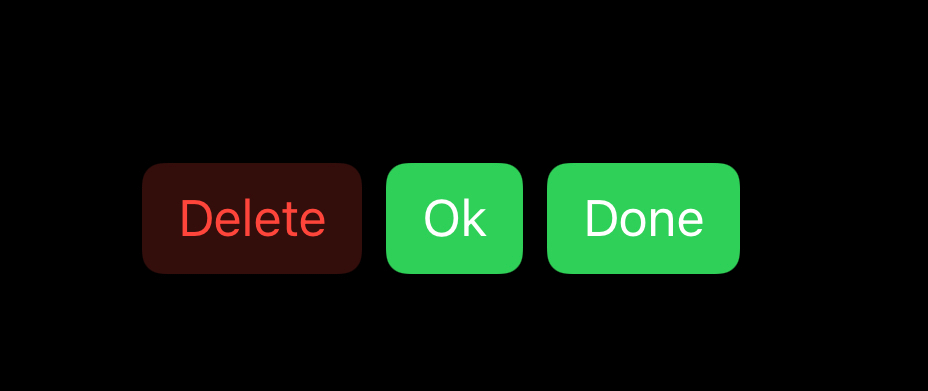
Group does nothing to our ui except that it group multiple views having the same properties, such as styling.
HStack {
   Button("Delete") {
     print("Delete")
   }
    .buttonStyle(.bordered)
    .tint(.red)

   Group {
	Button("Ok") {
          print("Ok")
        }
	Button("Done") {
	  print("Done")
	}
  }//Group
   .buttonStyle(.borderedProminent)
   .tint(.green)
}
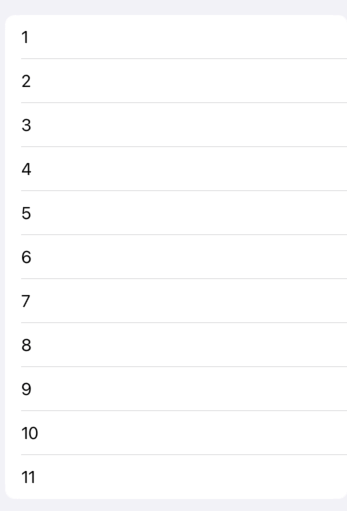
Note: Each Group can have up to 10 view components only, be it Text, buttons, etc. To display more views, another group is to be created.
Form {
   Group {
     Text("1")
     Text("2")
     Text("3")
     Text("4")
     Text("5")
     Text("6")
     Text("7")
     Text("8")
     Text("9")
     Text("10")
  }
  Group {
    Text("11")
  }
}
Section
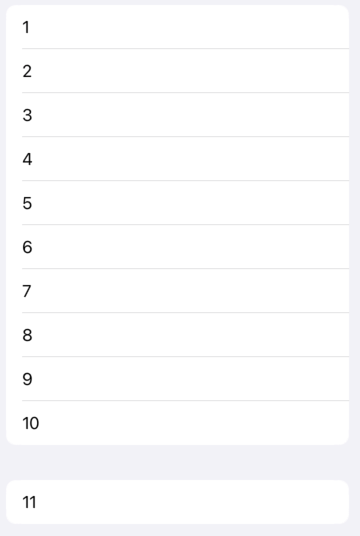
Section actually creates sections in our data modifying our ui.
Form {
   Section {
	Text("1")
	Text("2")
	Text("3")
	Text("4")
	Text("5")
	Text("6")
	Text("7")
	Text("8")
	Text("9")
	Text("10")
   }
   Section {
	Text("11")
   }
}
Section with a header
Section {
	Text("Section 1")
	Image(systemName: "sparkles")
		.resizable()
		.frame(width: 50, height: 50, alignment: .center)
} header: {
	Text("Section header")
} //header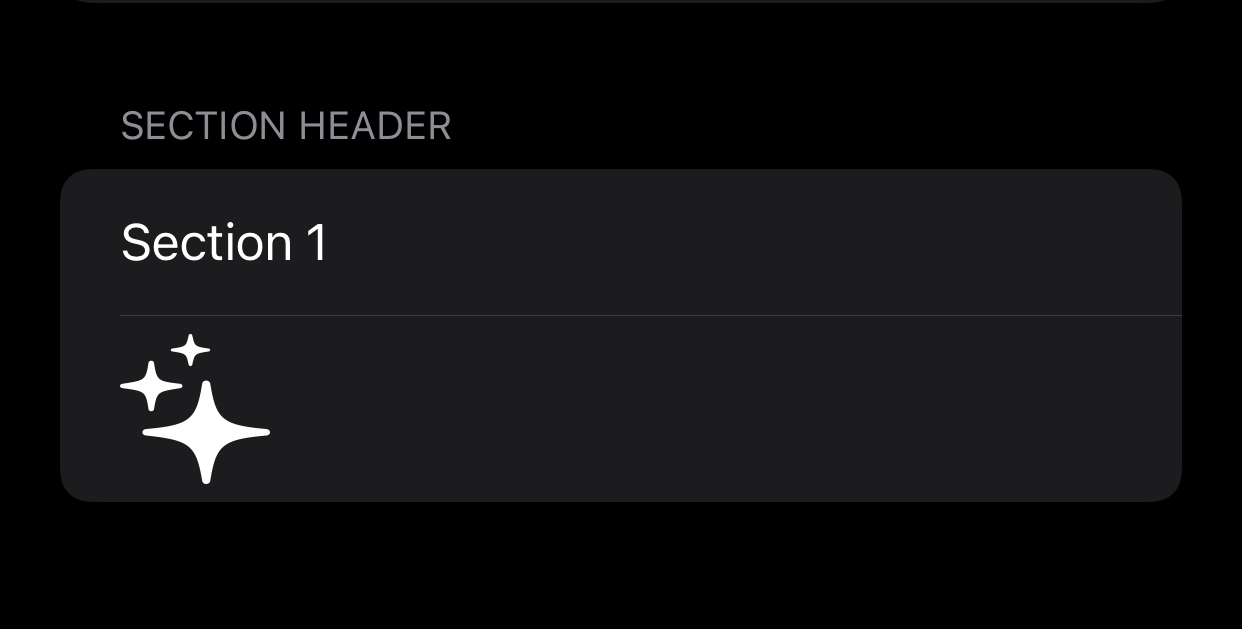
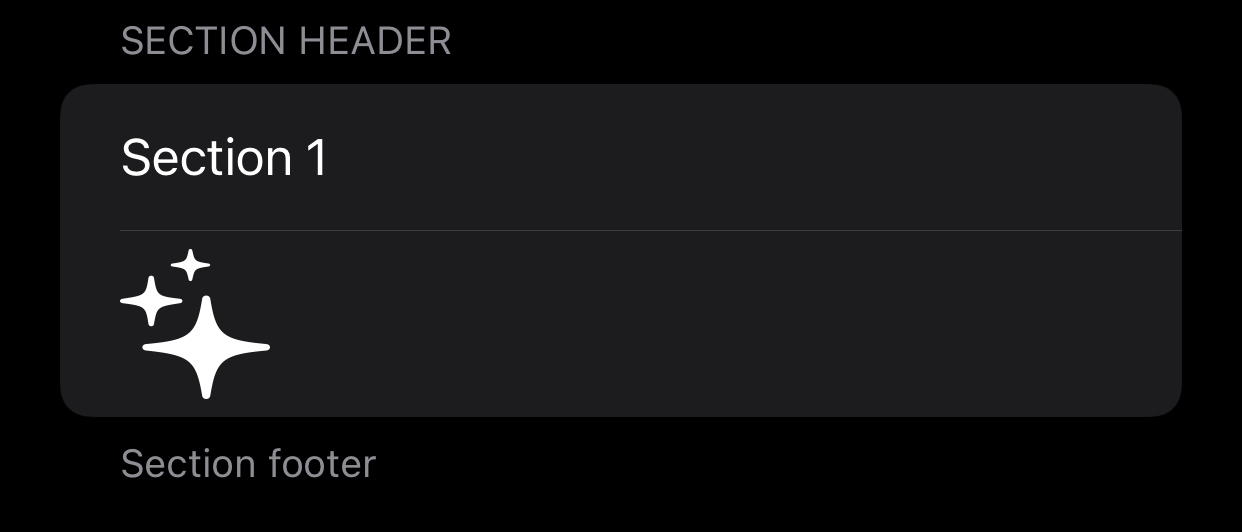
Section with a footer
Section {
	Text("Section 1")
	Image(systemName: "sparkles")
		.resizable()
		.frame(width: 50, height: 50, alignment: .center)
} header: {
	Text("Section header")
} footer: {
	Text("Section footer")
}
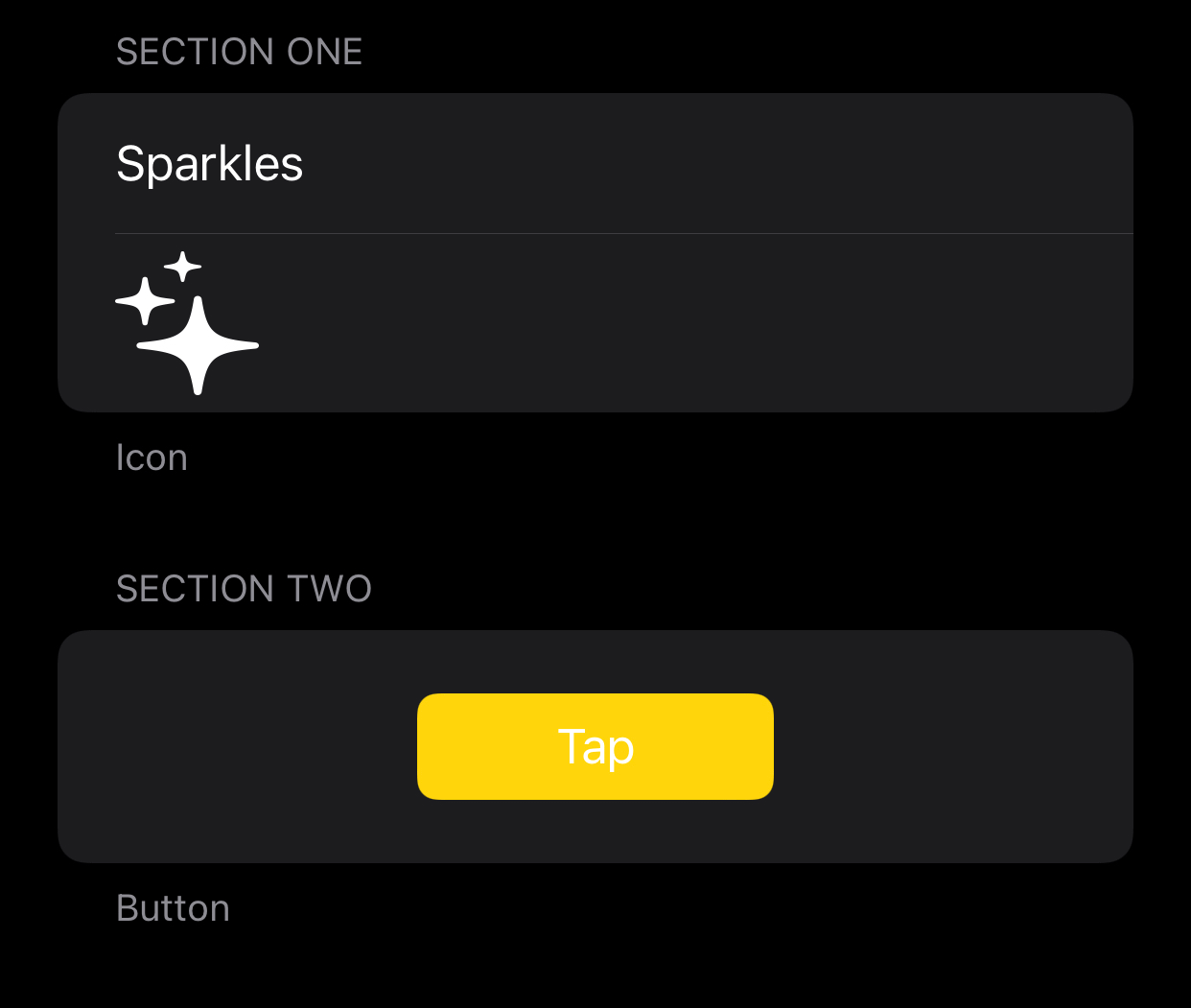
Center a button in a section
Section {
   Button(action: {
     print("Button tapped")
   }, label: {
     Text("Tap")
	.frame(width: 100)
  })
   .tint(.yellow)
   .buttonStyle(.borderedProminent)
   .padding()
   .frame(maxWidth: .infinity)
  } header: {
	Text("Section Two")
  } footer: {
	Text("Button")
  }
}
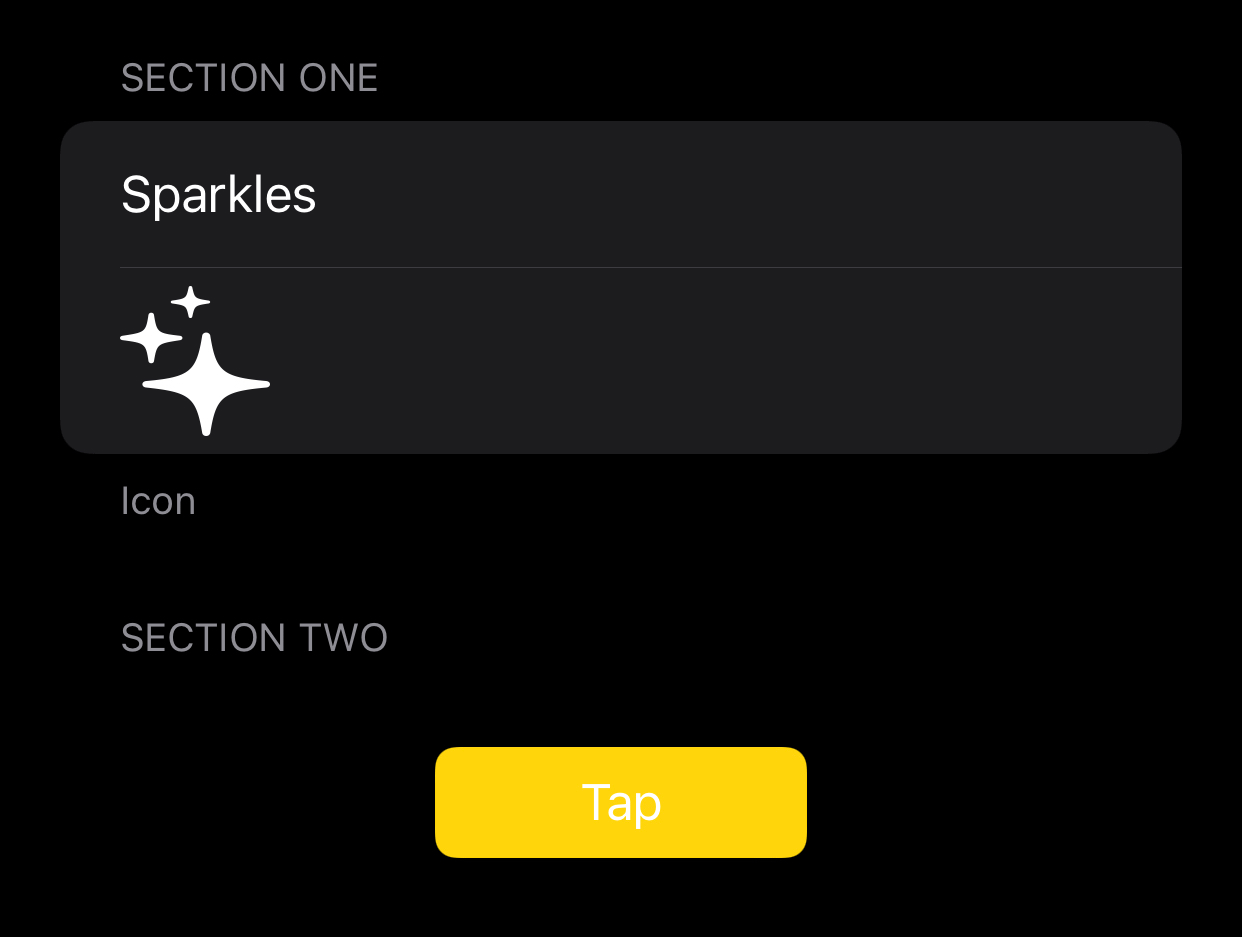
Remove background from section
Section {
    Button(action: {
	print("Button tapped")
    }, label: {
      Text("Tap")
        .frame(width: 100)
    })
     .listRowBackground(Color.clear)
     .tint(.yellow)
     .buttonStyle(.borderedProminent)
     .padding()
     .frame(maxWidth: .infinity)
   } header: {
	Text("Section Two")
   }
}
Note: Very often Section and Group are used within the Form component to allow a scrollable view.
Form in itself is a container used to wrap lists of views.
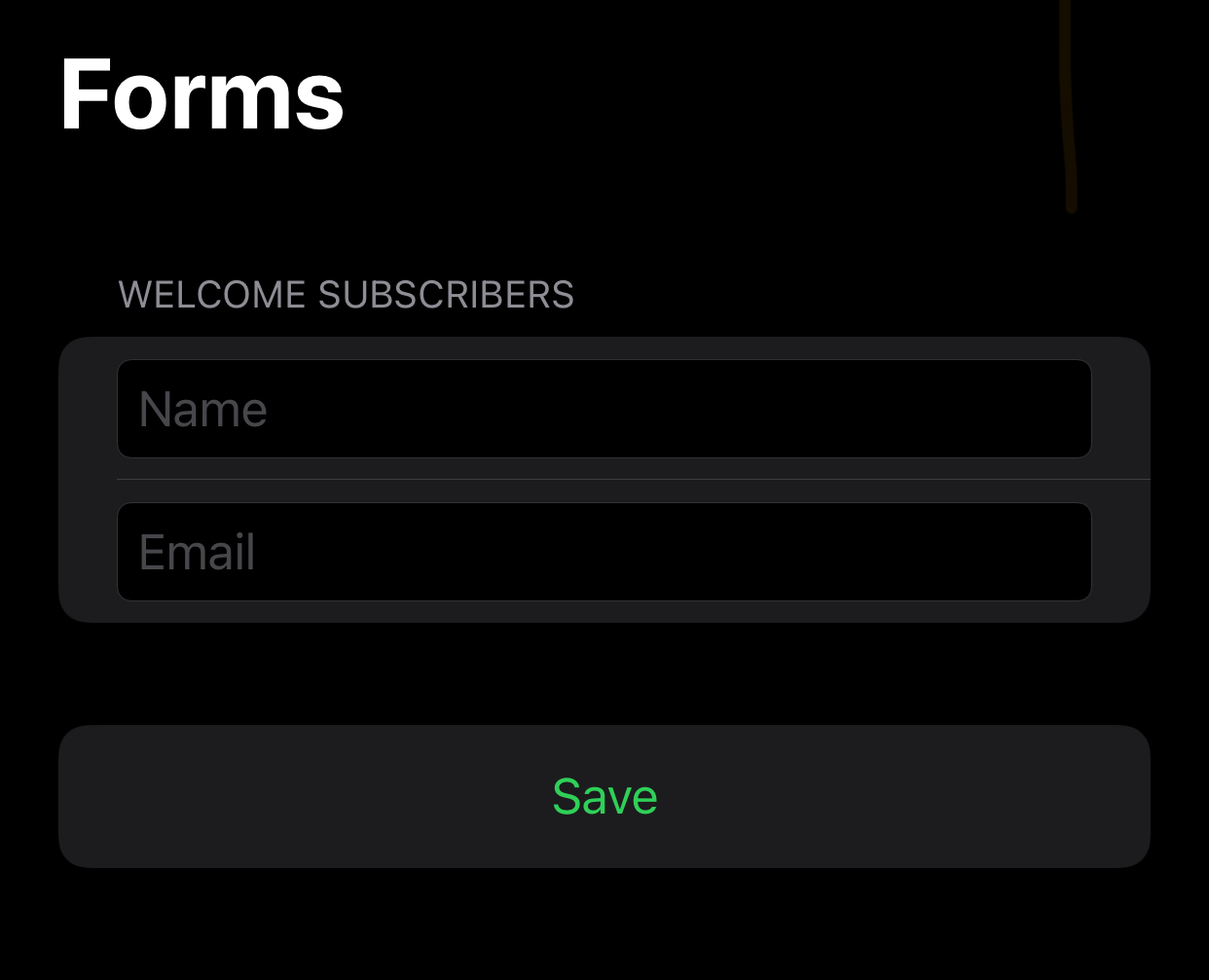
NavigationView {
  VStack {
      Form {
	Section {
	    Group {
                TextField("Name", text: $name)
                TextField("Email", text: $email)
            }//group
              .textFieldStyle(RoundedBorderTextFieldStyle())

	} header: {
	   Text("Welcome Subscribers")
	}//section

        Button("Save") {
	   print("\(name) saved!")
	}
	.tint(.green)
	.buttonStyle(.borderless)
	.frame(maxWidth: .infinity)

    }// form
  }
   .navigationBarTitle("Forms")
}